Quick Guide to Registering & Ordering
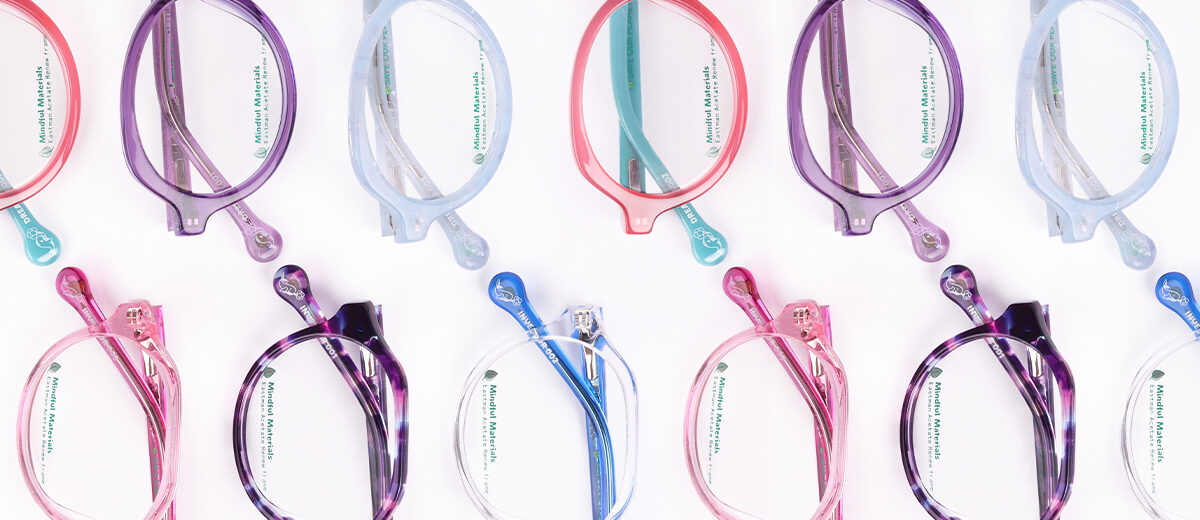
Our new B2B website has been designed to make ordering your favourite optical frames, sunglasses and ready readers as efficient and straightforward as possible. Whether you’re an existing customer or registering for an account for the first time, here’s everything you need to know.
Existing customers
Already have a Red Eyewear B2B account?
Simply Log In using your existing details to browse our collections and place your next order online.
You now have the option to favourite styles and add them directly to your basket, read about the team and get behind the scenes insight, as well as streamlining the order process.
New customers
If you’re new to our B2B website, welcome!
Creating an account is simple:
- Select Account on the top right-hand corner.
- Complete the create an account with your practice details.
- Once your account has been approved, you’ll receive confirmation and can begin browsing and ordering online.
Browsing our collections
Once you’re logged in, you can explore collections from all our brands, discover new arrivals and favourite the products your patients will love by clicking on the heart.
Each brand has been organised to make browsing simple and efficient including filters to help you search efficiently.
Placing an order
Ordering online couldn’t be easier:
- Browse our brands and their products
- Add your items to your basket
- Review your order
- Complete the checkout process
You’ll receive confirmation once your order has been submitted. Our team will be in touch to keep you up to date.
Need a hand?
If you have any questions about your account, registering or placing an order, our team is always happy to help.